
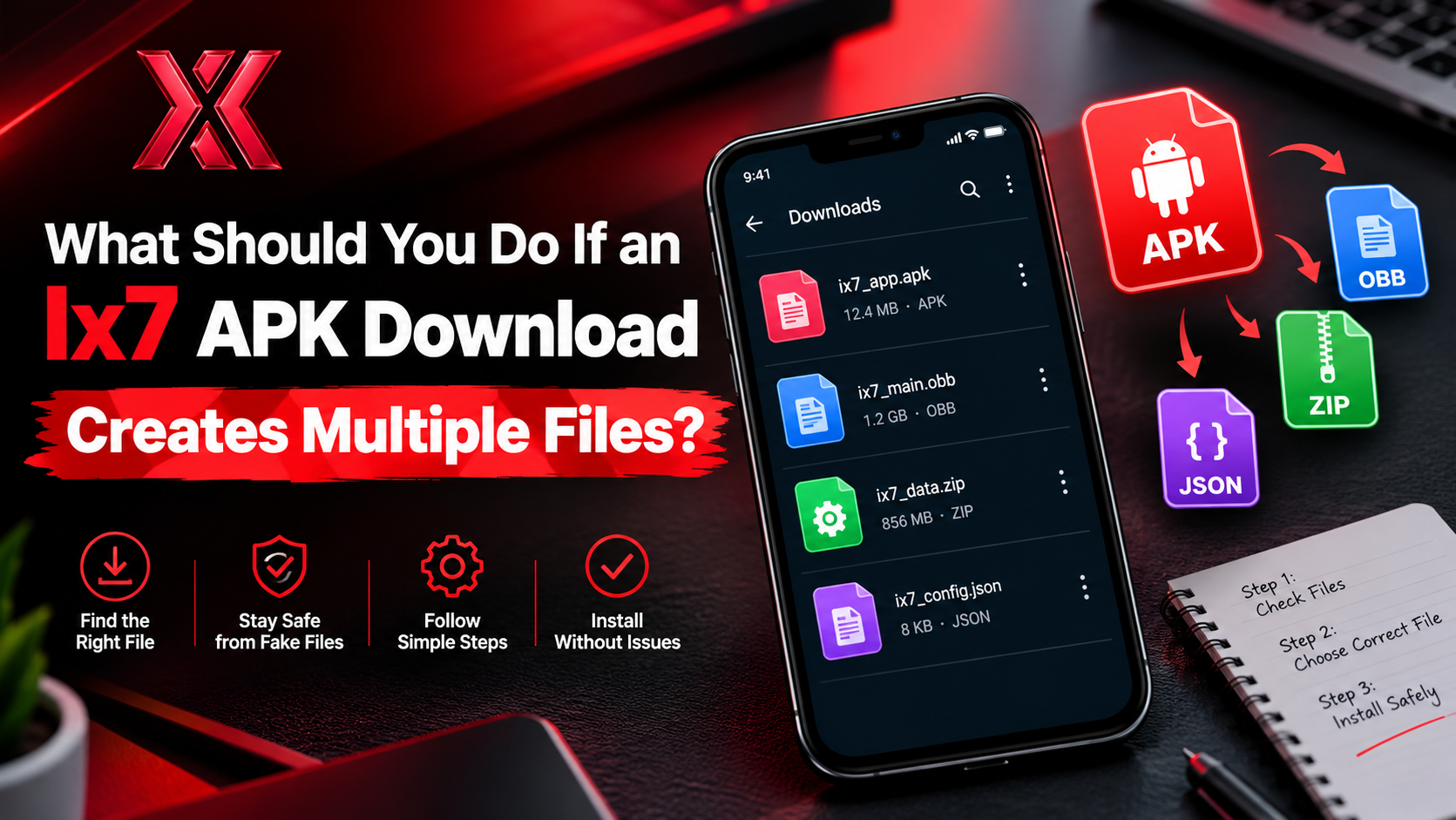
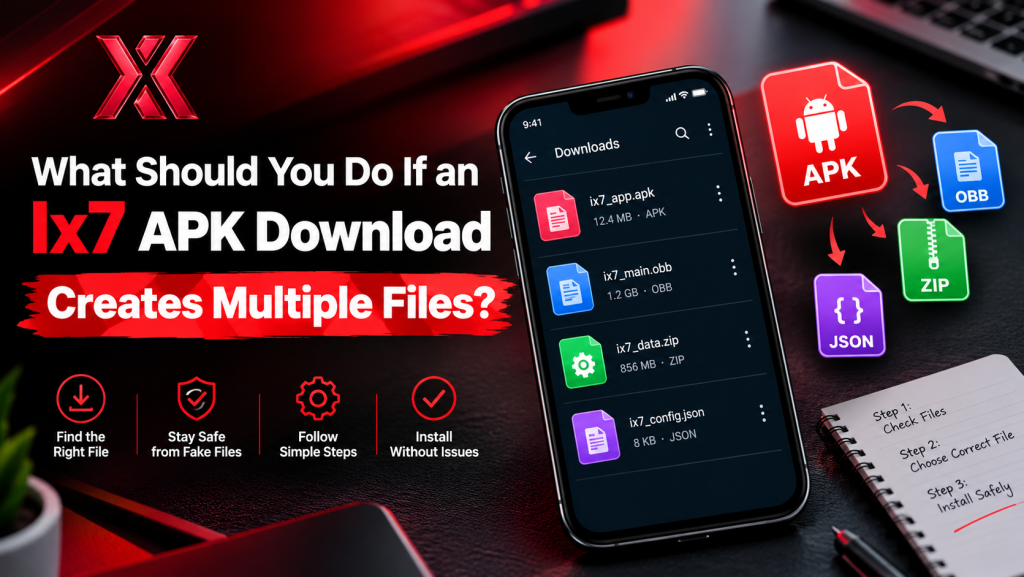
Did your Ix7 APK download leave many odd files in your folder? You may see names like base.apk or app(1).apk. That looks scary, but it is common. Android apps often come in split parts. A weak network can also break a file into pieces. Then the phone cannot read the setup. The good news is that you can fix this. It takes only a few minutes. You do not need any special skills. This guide shows why files split, how to sort them, and how to get a clean setup. It also shows how to stop the problem next time. Each step is short and clear. Ready to clean up? Let us fix your Ix7 APK download today.
Why Do Android Systems Split Your Ix7 APK Download Package?
Many modern apps are built in parts. A base file holds the main code. Other files hold extra items. Here are the four main causes:
- App bundle design: Android apps are usually delivered as a file and smaller extra files. This helps save space on your phone.
- Broken downloads: A weak internet signal can interrupt the download. You might end up with a file that looks like.crdownload.
- Auto unzip: Some tools open the setup file. Automatically extract the contents into a folder.
- Repeated taps: Tapping the link more than once can create copies like app(1).apk and app(2).apk.
Think of a split file, like a puzzle. Every piece is needed to complete the image. If one piece is missing, the installation won’t work. So you need to figure out what situation applies to you. Start by checking the file names. They give you clues.
Most people tap the download link twice when the process seems slow. This is the common mistake. Tap once and pay attention to the progress bar. Wait for it to finish. A slow start doesn’t mean the download failed.
How Do Single Packages Compare to Split Ix7 APK Download Bundles?
Your Ix7 APK download may be a single file or a split bundle. A single file is easy. A split bundle needs more care. The table shows the gap.
| Item | Single APK | Split Bundle | Effect on IX7 APK download |
| Structure | One file | Base file plus parts | Bundles need a special installer |
| Install | One tap | Needs a bundle tool | Single files are simpler |
| Storage | Holds all assets | Holds only what you need | Bundles save space |
| Risk | Low error risk | Higher if parts do not match | Get all parts in full |
If you have a single file, just tap it. If you have a bundle, use a trusted bundle installer app. Do not mix parts from two different downloads. The parts must come from the same version. Check each name to be sure.
A single file is the best choice for most users. It is quick, and it has fewer things that can go wrong. If you can, pick the single file from the source page.
How Should You Manage Multiple Files After an Ix7 APK Download?
Follow these steps in order. They keep your phone clean.
- Open your Download folder: Use your file manager. Sort files by date to see your Ix7 APK download files.
- Delete copies: Remove files that end with (1).apk or (2).apk. Keep one main file.
- Check the file types: Look for .apk, .tmp, or a zip file that needs to be opened.
- Use a bundle installer: If you have split parts, install a trusted bundle app. Then pick all parts at once for your Ix7 APK download.
Take your time with each tap. Do not delete files you do not know. If you are unsure, leave a file alone. Always keep the newest main file. If the install still fails, delete all parts and start again.
Never install parts one by one. The app will not work if one part is missing. Use the bundle tool to add them together. Open the tool, tick every part, and tap Install once.
After the install, open the app and check that it loads. Then delete the setup files you no longer need. This frees space and keeps your folder clean.
What Technical Steps Fix Corrupted Ix7 APK Download Fragments?
A broken file needs a clean start. Try these fixes:
- Clear the browser cache: Open Settings, pick your browser, and clear its cache before a new try.
- Fix the file ending: If the file ends in .bin or .zip, rename it to end in .apk.
- Stop auto-unzip: Turn off any setting that opens zip files on its own.
- Keep free space: Keep at least 2 GB free so Android can unpack the file.
Do these one at a time. Test after each fix. If the file still looks odd, delete it. Then download it again from a trusted page. Never try to repair a broken file by hand. A fresh copy is faster and safer.
Also check the file size. Compare it with the size on the source page. A big gap means the file is not whole. Delete it and try again.
How Can You Prevent File Splitting During an Ix7 APK Download?
A few habits stop the problem before it starts. The table gives a simple plan.
| Habit | What To Do | Benefit |
| Use a good browser | Pick Chrome or Brave | No auto unzip |
| Keep a steady link | Use Wi-Fi or strong 5G | No broken files |
| Tap once | Wait for the bar to finish | No copies |
| Clean up weekly | Check your Download folder | No old clutter |
Set a reminder on your phone. A five-minute check saves hours later. Do not download on a weak signal. Wait until your link is strong. If you move around, pause the download first. These small steps give you a clean file each time.
Conclusion and Action Steps
Split files are easy to fix. Look at the file names. Delete the copies. Use a bundle tool when needed. Keep your link steady and your folder tidy. These steps stop errors and save space. Your next Ix7 APK download can be clean and simple.
Keep your password private and never share your codes. Take one step at a time. A calm cleanup works better than a rushed one.
For clearer guides, tested fixes, and safe app links, explore ix7gameapkin. Visit Ix7 Game Apkin today and install with ease.
For authentic app updates, verified installer links, and safe usage guides, visit Game APK India.
Frequently Asked Questions
1. Why did my Ix7 APK download make many files?
The app may use split parts. Your browser may also have unzipped it. A weak network can add partial files. Look at the names to find the cause.
2. Can I install a split Ix7 APK download without extra tools?
No. A normal installer cannot read loose parts. Use a bundle app, or get one single file from a trusted page.
3. How do I know which file to tap after an Ix7 APK download?
Look for the main file named base.apk. If you are not sure, delete all the files and download one single file.
4. Will deleting copies harm my app?
No. Deleting copies like app(1).apk frees space. It also stops install mix-ups.
5. What if the files will not install?
Delete all parts and restart your phone. Then download a fresh file from a trusted page.