
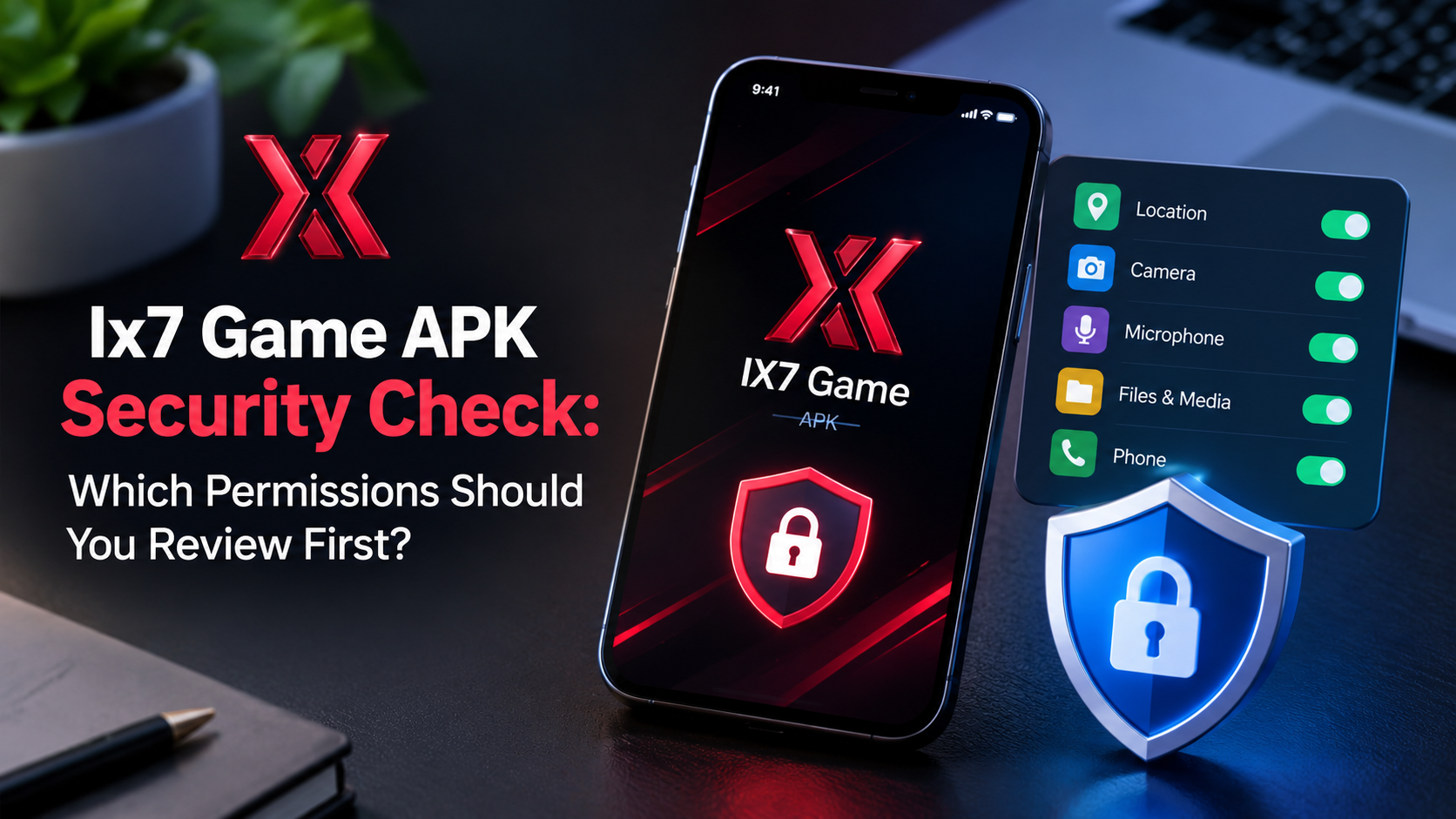
Did your new app just ask to see your contacts? Maybe it wants your calls or your location. That can feel odd. Before you tap Allow, take a short pause. This is a smart move for any Ix7 game APK. Apps from outside the Play Store skip the store checks. So you must be the guard. Some permissions are fine. Some are risky. Too much access can hurt your privacy and drain your battery. This guide shows you which rights to check first. It covers risk levels, clear steps, and quick fixes. The steps get the most detail. Read on to review your Ix7 game APK. Let us begin now.
Which High-Risk Permissions Should You Review First in the Ix7 Game APK?
Android asks for permissions when you first open the app. Sort each request by risk. This protects your privacy.
- SMS and Call Log (Critical Risk): A game does not need to read or send texts. Say no at once. This helps stop others from stealing your OTP codes.
- Contacts (High Risk): An Ix7 game APK does not need your saved contacts. Allow it only if you want to sync a friends list.
- Precise Location (Moderate Risk): Some apps check your region. Set location to While Using the App. Or turn it off.
- Media and Storage (Standard Risk): The app needs some space for game files and cache. Do not allow wide access to all your files.
When in doubt, say no first. You can allow it later if the app truly needs it.
How Do Standard Permissions Compare to High-Risk App Requests?
Match each ask to what the game does. Use this table before you tap Allow.
| Permission | Normal Need | Possible Risk | Best Setting |
| Storage and Photos | Saves game images and cache | Reads your private files | Allow only specific media folders |
| Phone State | Pauses the game on a call | Reads your device ID | Deny if the game works fine |
| Microphone | Voice chat in live matches | Records sound in the background | Allow only while using the app |
| Notifications | Reward and payout alerts | Spam and pop-up ads | Keep on or turn off |
If an ask does not match the game, deny it. A game that works without a right does not need that right.
How Can You Revoke Excessive Permissions in the Ix7 Game APK Step by Step?
Did you allow too much during setup? You can fix that. Android lets you check and change every right. Follow these four steps in order. Go slow.
Open Android Settings
Unlock your phone. Press the gear button on your home screen. Click on Apps or App Manager. On some phones, it is known as Application Manager. There will be an option to search for the application in the box.
Check: You should see the full list of apps on your phone.
Find the app
Scroll through the list. Tap the Ix7 game APK entry. The App Info page will open. Look for Storage, Permissions, and Battery. Do not tap Uninstall or Clear Data by mistake.
Check: You should see the App Info page with all three options.
Review each permission
Tap Permissions. Read the list slowly. Android splits it into Allowed and Not Allowed. Look at each Allowed item. Ask one question. Does a game need this? If the answer is no, mark it for removal.
Check: You can see which rights are on and which are off.
Remove extra access
Tap each risky item, like SMS, Contacts, or Location. Choose Don’t Allow or Ask Every Time. Do this one item at a time. Then open the app and test it. If it still works, you are done. If a screen fails, turn on only the one right it needs.
Check: The item moves to the Not Allowed list.
These steps keep your Ix7 game APK limited to what it needs. Repeat them after every update. Updates can turn old rights back on.
What Advanced Security Settings Protect Your Phone After an Ix7 Game APK Setup?
Permissions are only one layer. Add a few more.
- Turn off Install Unknown Apps: Once your Ix7 game APK setup ends, open your browser settings. Switch off “Allow from this source.”
- Keep Play Protect on: It keeps scanning your apps for odd behaviour.
- Watch battery and data use: Check them each week. A game should not run hidden tasks all day.
- Never allow Device Admin: This right can block you from removing the app. It also gives the app deep control of your phone.
No setting can remove all risk. Use them together for the best result.
How Do You Spot Fake or Tampered App Files Before Installing?
A bad file can hide spyware. Check these signs before you tap Install.
| Check | Good Sign | Red Flag |
| File size | Small, about 20 MB to 50 MB | Very large, packed with ads |
| Permission asks | Internet and cache only | SMS, contacts, and Device Admin |
| Developer signature | Valid and matches the source | Mismatched or missing |
| Launch behavior | Opens to the login or home screen | Demands a restart or full control |
Compare the file size with the source page. A big gap means a bad file. Stop if you see any red flag. Delete the file and look for a safer source.
Conclusion and Action Steps
A short security check puts you in control of your phone. Deny SMS and contact access. Remove extra permissions. Switch off Install Unknown Apps after setup. Keep Play Protect on. These steps lower your risk with any Ix7 game APK. Keep your login details private. Take breaks and manage your screen time.
For safe guides about ix7gameapkin, use sources you can trust. Check the file and its permissions each time before you install.
For authentic app updates, verified installer links, and safe usage guides, visit Game APK India.
Frequently Asked Questions
1. Why does the Ix7 game APK ask for storage permission?
It needs space to save game files, images, and cache. This helps the app load fast. Still, allow only the folders it needs.
2. Can I play if I deny location in the Ix7 game APK?
Often yes. Many games run fine without precise GPS. Some may ask for your region at sign-in. Allow location only while using the app if that happens.
3. What if the Ix7 game APK asks for SMS access to send an OTP?
Do not allow it. Type the OTP by hand. Full SMS access is not needed for a game.
4. Will removing permissions crash the Ix7 game APK?
Removing SMS, contacts, or camera rarely causes a crash. Removing internet or storage access may stop game files from loading. Turn on only what the app needs.
5. How often should I check permissions for the Ix7 game APK?
Check once a month. Check again after each update. Updates can bring back rights you turned off.