
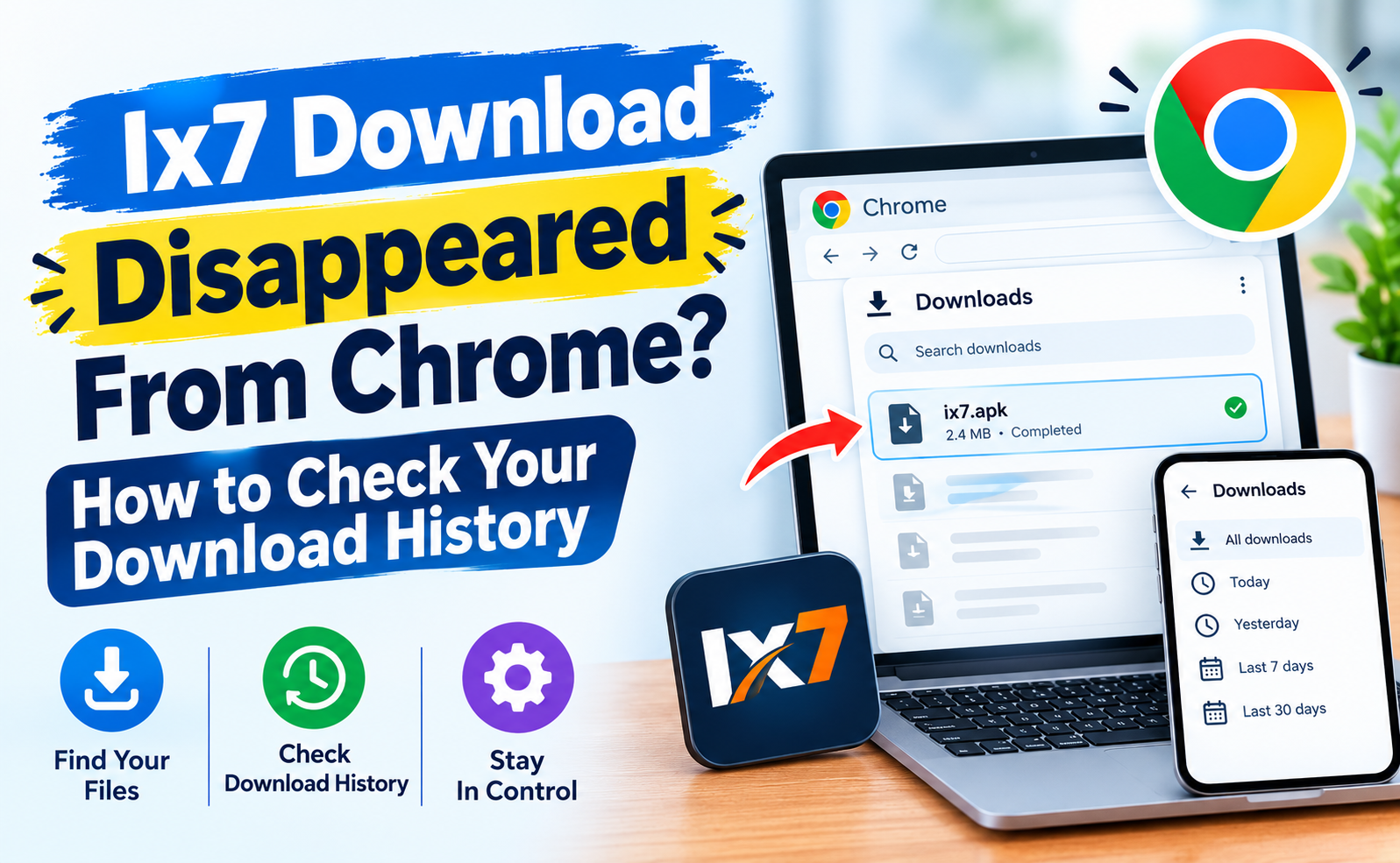
Did your Ix7 download just vanish from Chrome? You waited for it to finish. Then the file was gone from the list. That’s annoying, I know. Here’s the good news. A missing entry rarely means a deleted file. Chrome often hides the record, but the file stays on your phone. This guide explains why Chrome does that. It shows where your files live and how to find them again. The sentences are short, and the words are simple. The recovery steps get the most detail, so you won’t get lost. Read on and track down your Ix7 download with less stress. Let’s start right now, one step at a time.
Why Does Chrome Remove Your Ix7 Download Entry From the List?
Chrome keeps a log of every transfer. Some events can hide an entry from that log. Find the cause first. Then pick the right fix.
- Incognito mode: Files saved in a private tab lose their log entry once you close the tab.
- Safe Browsing checks: Chrome may flag an unknown file and block it. The entry then disappears.
- History wipes: Clearing your browsing data can erase the log. The file itself stays in storage.
- Cleaner apps: Phone cleaner tools often sweep browser logs. A finished Ix7 download can then look gone.
Most of the time, the file is still there. You just can’t see the record of it.
Where Can You Find Your Ix7 Download Records on Each Device?
Every device keeps logs and files in a different spot. Use this table to find yours.
| Device | Log Location | File Folder | Quick Tip |
| Android Chrome | Chrome menu, then Downloads | /Download/ in Internal Storage | Filter by .apk in File Manager |
| Windows Chrome | chrome://downloads | C:\Users[Name]\Downloads\ | Press Ctrl + J in Chrome |
| Mac Chrome | chrome://downloads | /Users/[Name]/Downloads/ | Press Cmd + Option + L |
| Incognito tab | Not saved | System Download folder | Check File Manager |
Here’s a point many people miss. A file saved in Incognito still lands in your Download folder. Only the log is cleared. On a phone, start with the File Manager. It’s the fastest check.
How Can You Check and Recover Your Ix7 Download Step by Step?
A missing entry needs two checks. Look in Chrome first. Then look in your phone storage. Follow these five steps in order. Go slow and don’t skip any.
Open the Chrome download list
Open Chrome and tap the three dots at the top right. Tap Downloads. You can also type chrome://downloads in the address bar. Your recent files show up in a list, with the newest on top. Look for the name you expect. If you see it, tap it. That’s all you need.
Look for warnings
Check the top of the list. Do you see a paused transfer or a security note? Chrome may have flagged your Ix7 download. If you see Resume, tap it. If you see Keep, stop and think. Keep the file only if you trust where it came from. If you don’t, delete it.
Open your File Manager
Open the Files app on your phone. Tap Internal Storage, then the Download folder. Sort the list by date. Your file should sit near the top. A real installer ends in .apk. Compare its size with the size on the source page. A big gap means a bad copy.
Search the whole phone
No luck yet? Use the search bar in File Manager. Type .apk or part of the file name. Look at each result. Check the date and the size. Open only the one that matches. Never open a file you don’t know.
Look for a partial file
Find any file that ends in .crdownload. That’s a half-finished transfer. The network probably dropped. Go back to Chrome and tap Resume. If it won’t resume, delete the file. Then start a fresh Ix7 download on a steady connection, ideally Wi-Fi.
Did all five steps fail? Then the file may be gone. A cleaner app could have removed it. Don’t panic. Just download it again from a source you trust.
What Chrome Settings Stop an Ix7 Download Entry From Vanishing?
A few small changes keep your list clear.
- Use Standard Protection: Open Chrome Settings, then Privacy and Security. Pick Standard Protection. Don’t turn off safety tools just to keep a file.
- Ask where to save: Switch on the option that asks where to save files. You’ll choose the folder for each Ix7 download, so you always know where it went.
- Protect Chrome from cleaners: Add Chrome to the safe list in any cleaner app.
- Keep private tabs open: Don’t close an Incognito tab until the transfer ends.
Do these once. They take about two minutes. After that, you’ll lose fewer files.
How Do You Tell a Vanished Entry From a Broken Transfer?
Some problems look alike but have different causes. Match your symptom to a fix.
| Symptom | Likely Cause | Best Fix |
| Empty list, file in folder | The log was cleared | Open the file from File Manager |
| File ends in .crdownload | The network dropped | Resume or download again |
| Entry shows, file missing | A cleaner removed it | Search storage or download again |
| Chrome blocks the file | A security filter fired | Read the warning with care |
If you’re still unsure, check your signal. A weak link can break a transfer and look like a hidden file.
Summary and Action Steps
A missing entry is easy to track down. Check the Chrome list first. Then check your Download folder. Search your phone if you need to. Keep Chrome safe from cleaner apps. These steps can help you find your Ix7 download with less stress. Always check the source of a file before you open it. Keep your phone storage tidy. Take your time with each step.
Want to learn more? Read guides about the ix7gameapkin from sources you trust. Check every file before you install it.
For authentic app updates, verified installer links, and safe usage guides, visit Game APK India.
Frequently Asked Questions
1. Does clearing history delete my Ix7 download file?
No. It only clears the log inside Chrome. The file stays in your Download folder.
2. Why does my Ix7 download vanish after it ends?
Safe Browsing, a cleaner app, or Incognito mode is often the cause. Check your Download folder first.
3. Can I bring back a cleared log?
Chrome can’t undo a cleared log. You can still find the file with a File Manager search.
4. What is a .crdownload file?
It’s a half-finished Chrome transfer. It keeps that ending until the transfer is complete.
5. Where does Chrome save a file on Android?
It saves to the Download folder in Internal Storage. Open File Manager to see it.