
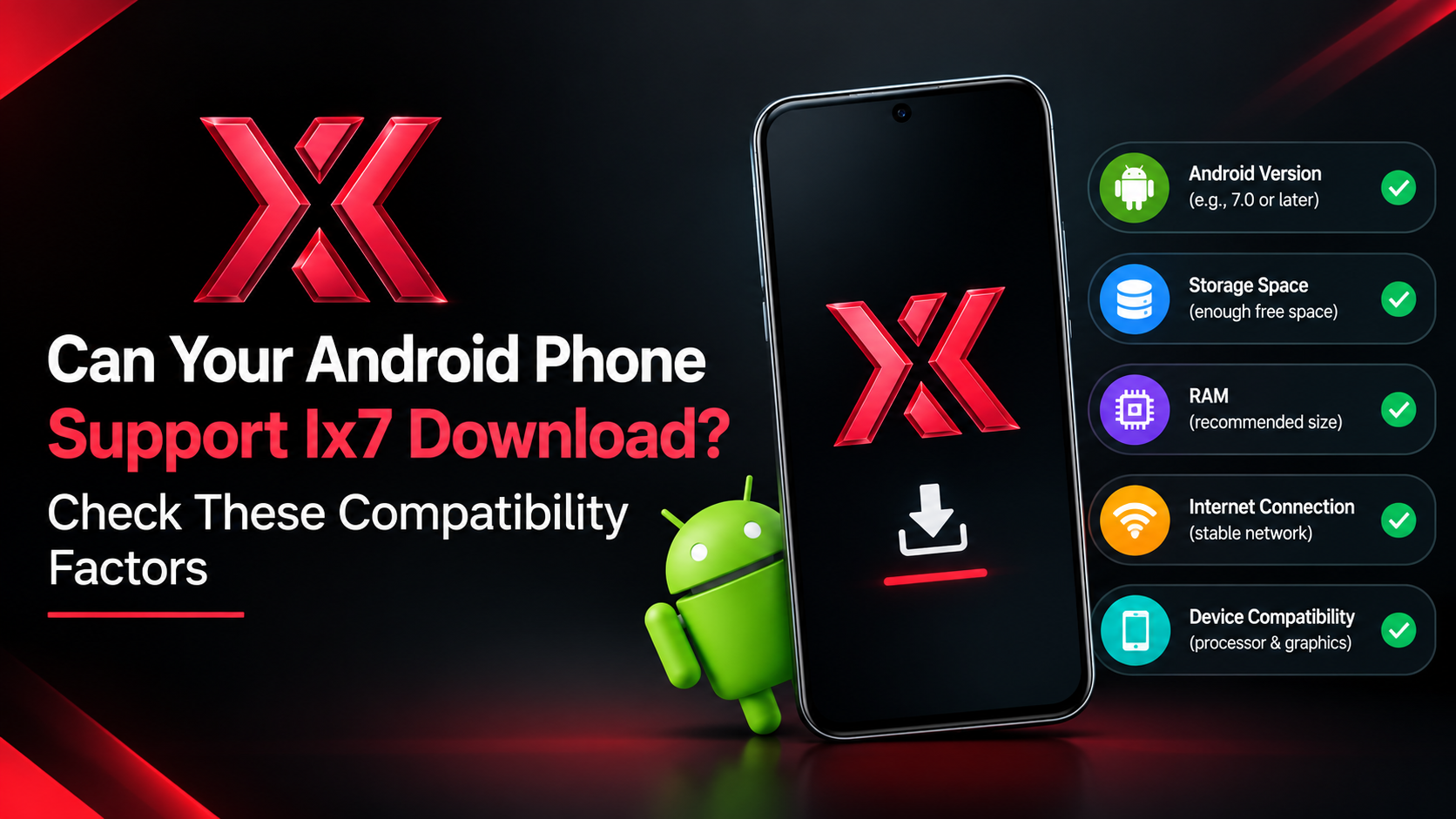
Did your Ix7 Download fail on your phone? Maybe you saw an install error. Or the screen went black. Or the game lagged. These problems are common. Not every phone can run every game. Your Android version, memory, and storage all matter. So does your chip. The good news is that you can check all of this before you start. This guide shows you how. It covers phone specifications, simple checks, and quick fixes. The sentences are short, and the words are simple. The pre-install steps get the most detail so that you won’t get lost. Read on and see if your phone is ready for an Ix7 Download. Let’s start.
What Operating System Limits Interrupt Your Ix7 Download Process?
Android phones differ a lot. Each one has its own system version, security patch, and hardware. These factors determine whether an installer will work.
- 64-bit support: Most new games need a 64-bit system. An old 32-bit phone may fail to install them.
- API level: Old Android versions lack modern graphics tools like Vulkan. This can cause a parse error.
- Custom skins: Skins like MIUI and ColorOS can block installs from unknown sources. Their battery rules are strict.
- Play Protect: This scanner can block files it does not know. Change your settings before you start an Ix7 Download.
Check these four first. They cause most failed installs.
How Does Your Phone Spec Compare for an Ix7 Download Setup?
Match your phone to the table. A good match means better speed and less heat.
| Part | Minimum | Best Setup | Effect on Ix7 Download |
| Android version | 7.0 (Nougat) | 11.0 or higher | Helps the install run well |
| RAM | 3 GB | 6 GB to 8 GB | Stops crashes and lag |
| Free storage | 1.5 GB | 4 GB or more | Leaves room for files and cache |
| GPU | Mali-G52 or Adreno 506 | Adreno 618 or Mali-G77 | Gives steady frames and less heat |
These are rough targets, not promises. Results can differ from phone to phone. If your phone is close to the minimum, lower the graphics settings.
What Pre-Installation Checks Help Your Ix7 Download Run Well?
A few minutes of prep can save you a lot of trouble. Follow these four steps in order. Go slow and don’t skip any.
Check your free storage
Open Settings and tap Storage. Look at the free space number. Aim for at least 3 GB. The file may be small, but the phone needs room to unpack it. Cache files and updates need room too. If you’re short, delete old videos and apps you don’t use. You can also move photos to a memory card or the cloud. Then check the number again.
Allow installs from your browser
Open Settings and go to Security or Apps. Find Install Unknown Apps. Tap your browser, such as Chrome. Switch the permission on. Android asks for this because the file isn’t from the Play Store. It’s a normal step. Do it before your Ix7 Download starts. Switch the permission off again when you finish.
Free up memory
Background apps eat RAM. Social apps and video apps are the worst. Open your recent apps screen and swipe them away. If your phone still feels slow, restart it. A restart clears memory fast. Wait about a minute after the restart. Then begin.
Check your chip type
Install a free system info app from the Play Store. Open it and look for the instruction set. It should say arm64 or 64-bit. If it says 32-bit, the game may not run at all. Don’t try to force the install. That only leads to crashes. This is the last check before your Ix7 Download.
If one step fails, stop and fix it first. Then move on to the next one.
How Do Memory and Heat Affect Your Ix7 Download Session?
Your phone works harder as you play. That changes how the game feels over time.
- Heat: Long play raises the temperature. Then the chip slows down and frames drop. Take short breaks. Remove a thick case if the phone gets hot.
- Virtual RAM: Some phones can use storage as extra memory. This helps budget phones a little. It is slower than real RAM.
- Refresh rate: Match your screen refresh rate to the game. This can cut screen tearing and save power.
- Cache build-up: Old cache eats memory. Random force closes can follow. Clear the cache once a month.
What Hardware Fixes Solve Ix7 Download Crashes?
Find your problem in the table. Then try the fix.
| Problem | Likely Cause | Best Fix |
| Parse error | Old Android or a broken file | Update Android and download again |
| Crash while unpacking | Low storage | Clear cache and remove unused apps |
| Heavy stutter | High GPU load or background apps | Lower graphics and close other apps |
| Black screen on launch | Missing Vulkan support | Check that your phone supports OpenGL or Vulkan |
Change one thing at a time. Test after each fix. That way you’ll know what worked.
Summary and Action Steps
Compatibility comes down to a few things. Check your Android version. Check your RAM and storage. Make sure your chip is 64-bit. Allow installs for your browser, then switch the permission off. Keep your phone cool and your cache clean. These steps lower your risk of errors, but they can’t remove it. Always check the source of a file before you install it. Keep your phone updated. Take your time with each step.
Want to learn more? Read guides about ix7gameapkin from sources you trust. For authentic app updates, verified installer links, and safe usage guides, visit ic7appnet.
Frequently Asked Questions
1. Can a budget phone handle an Ix7 Download?
It may, with 4 GB of RAM and a modern chip. Set graphics to medium and close other apps.
2. Why do I get an error during an Ix7 Download?
Low storage, a 32-bit chip, or blocked installs are common causes. Check each one in that order.
3. How much storage should I free up?
Keep at least 3 GB free for files, cache, and updates. More is better.
4. Will an old Android version stop an Ix7 Download?
Often yes. Versions older than 7.0 lack key system parts. Update your phone if it allows it.
5. Does heat affect the game after the install?
Yes. Heat slows the chip and causes lag. Take breaks and keep the phone cool.