
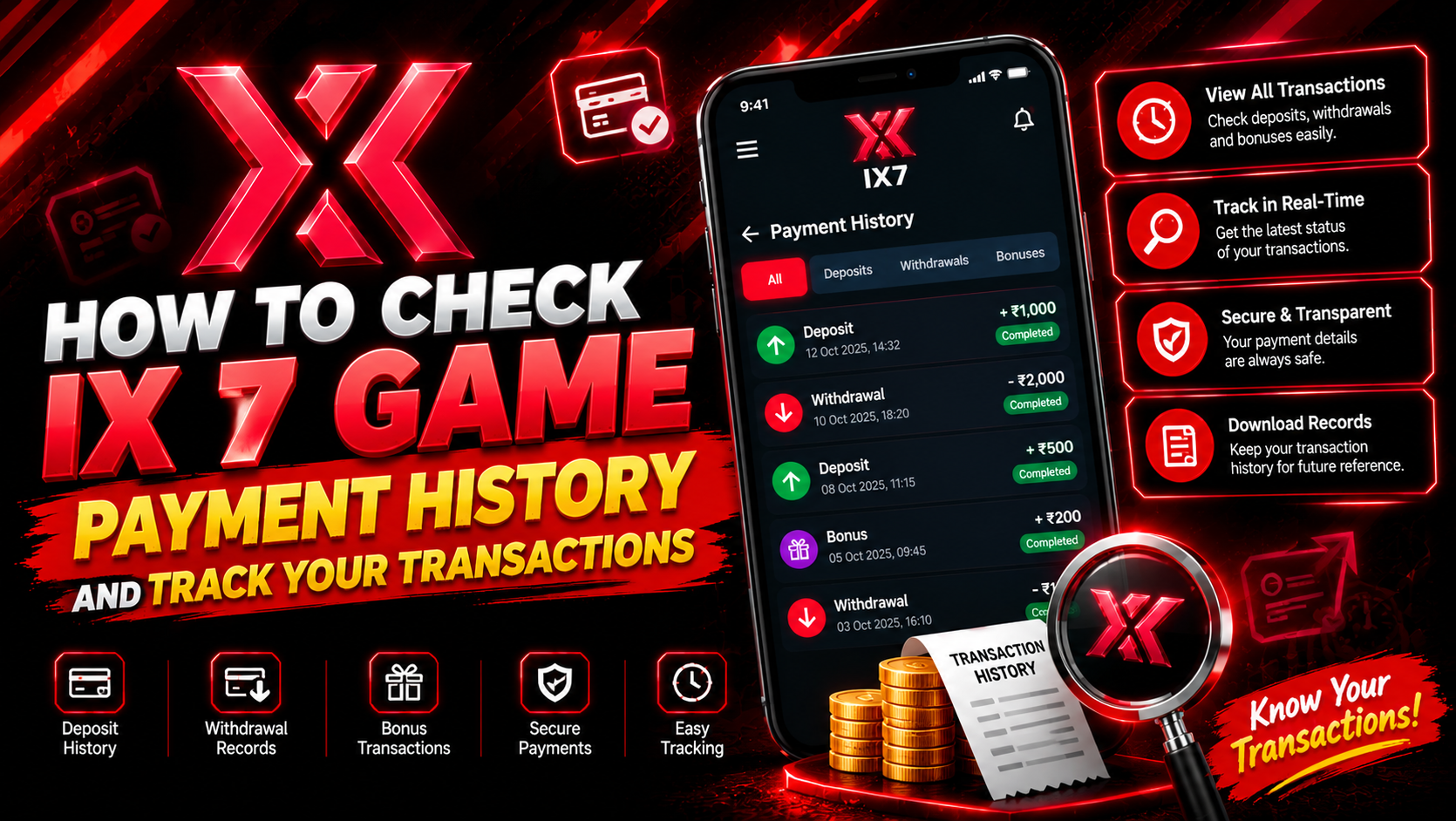
Understanding Your IX 7 Game Account Activity
Many new users join the IX 7 Game community every single week. People love to play fun games and win real cash rewards.
Yet, managing your hard-earned money needs proper care and attention. You must keep track of your IX 7 wallet balance daily.
Checking your IX 7 payment history protects your personal funds. Smart players always review their IX 7 records before playing more matches.
Why Tracking Transactions Matters
Every single IX 7 Game user needs clear records of past money transfers. Checking your funds keeps your mind calm and stress-free.
You can spot tiny errors before they grow into big problems. Good tracking habits stop many common financial mistakes inside IX 7.
Spotting Missing Records Fast
Sometimes a deposit might not show up right away in IX 7. Looking at your transaction logs helps you find missing deposits quickly.
You can save transaction receipts from your mobile banking app. Matching those receipts with IX 7 Game keeps your account very safe.
Getting Started With the App
Before you check funds, you need the right application file. Many players visit ix7gameapkin.com to find download links.
Always grab files from safe web pages like ix7gameapkin.com for safety. This simple step keeps your mobile device free from harmful software.
Checking App Files Safely
Reading the About Ix7 APK section helps you understand the app setup. You learn what permissions the app needs on your phone.
Always read the About Ix7 APK details before installing new tools. Being careful protects your personal data from unwanted risks online.
Finding Your Wallet Section
Open the main IX 7 Game application on your mobile phone screen. Look closely at the main home dashboard for your profile icon.
Tap on the wallet button to open your current funds page. Here you will see your total IX 7 balance right away.
Navigating the Wallet Menu
The wallet menu shows all your past IX 7 Game spending habits. You can tap on different tabs to see your past game wins.
Finding your way around IX 7 menus takes only a few seconds. Every button has clear labels for new IX 7 players.
Opening Your Payment History
Inside the main wallet tab, find the history page link. This page lists every single dollar spent or won on IX 7 Game.
Tap on the history tab to view past transaction logs clearly. You can see deposits and cash withdrawals in chronological order.
Reading Transaction Logs
Each transaction entry on IX 7 shows an exact date and time. You can check the transaction ID for extra payment safety.
Keeping track of your IX 7 Game logs stops any future confusion. Read through your IX 7 history list at least once weekly.
Reviewing Deposit Records
Look closely at your past IX 7 money deposit logs today. Each deposit entry shows the exact amount added to your balance.
Check if your money arrived safely in your main IX 7 Game wallet. If a deposit fails, you will spot the error right here.
Verifying Bank Transfers
Match your bank statements with your IX 7 deposit logs often. This habit proves that your IX 7 Game deposits went through successfully.
Never ignore small differences in your IX 7 Gme deposit history records. Contact support if any IX 7 deposit looks incorrect or missing.
Tracking Withdrawal Requests
When you win rewards, you want your cash out very fast. The IX 7 Game payout list shows all your cash requests.
Pending payouts will show a yellow warning status mark on screen. Completed IX 7 Game cash transfers show up as bright green ticks.
Waiting for Payouts
Bank processing times can affect your IX 7 cash withdrawal speed. Most payouts land in your bank within a few business hours.
Check your IX 7 withdrawal history page to check transfer states. Patience helps you manage your IX 7 earnings much better.
Common Payment Issues and Fixes
Sometimes bank transfers take longer than normal business hours today. Do not panic if your IX 7 money transfer is delayed.
Check your personal bank app for matching transaction reference numbers. Most small bugs fix themselves within one single hour on IX 7.
Fixing Stuck Transactions
Restart your mobile phone if your IX 7 app freezes up. Clear your app cache to make IX 7 run smoothly again.
Updating to the newest version of IX 7 Game solves many payment bugs. Simple troubleshooting keeps your IX 7 running without trouble.
Contact IX 7 Game Support
If funds do not show up, you need real human help. You can easily Contact Ix7 Game support agents through the app.
Send them a polite message with your transaction proof images attached. Their support team works fast to solve user payment problems.
Getting Quick Answers
Type a clear message when you Contact Ix7 Game customer care staff. Include your username and transaction ID in your support ticket.
Friendly support agents reply to your IX 7 Game issues very quickly. Good communication fixes most IX 7 account troubles in minutes.
Security and Privacy Guidelines
Your financial safety remains a top priority on IX 7 Game always. Read the Ix7 Game Privacy Policy to learn about data rules.
Never share your secret IX 7 Game password with any online stranger. Keep your account login details private and secure from hackers.
Protecting Your Wallet
Enable strong passwords for your IX 7 profile right now. The Ix7 Game Privacy Policy explains how they protect your data.
Safe browsing habits keep your IX 7 Game profile safe from thieves. Always log out of IX 7 on public or shared devices.
Ix7 APK Download Disclaimer
Be smart when downloading mobile applications from the internet today. Read the Ix7 APK Download Disclaimer before you start downloading files.
Third-party software files can sometimes pose hidden device security risks. Make sure you use official links from ix7gameapkin.com for safe downloads.
Understanding App Risks
The Ix7 APK Download Disclaimer warns you about unverified app sources. Always check file signatures before installing apps on your phone.
Being careful protects your phone from viruses and bad malware. Read the Ix7 APK Download Disclaimer to stay smart and secure.
Summary
Checking your money history on IX 7 is very easy today. Just open your wallet tab inside the main app menu.
Keep track of deposits and cash payouts daily for safe gaming. Good habits lead to a much better IX 7 Game experience.
Frequently Asked Questions
1. How do I view my deposit history?
Open your app wallet and tap history. All past deposits appear on that screen.
2. Why is my cash payout delayed?
Bank checks can take a few business hours. Wait a bit or contact customer care.
3. Is my payment data safe?
Yes, encryption protects your IX 7 account details.