
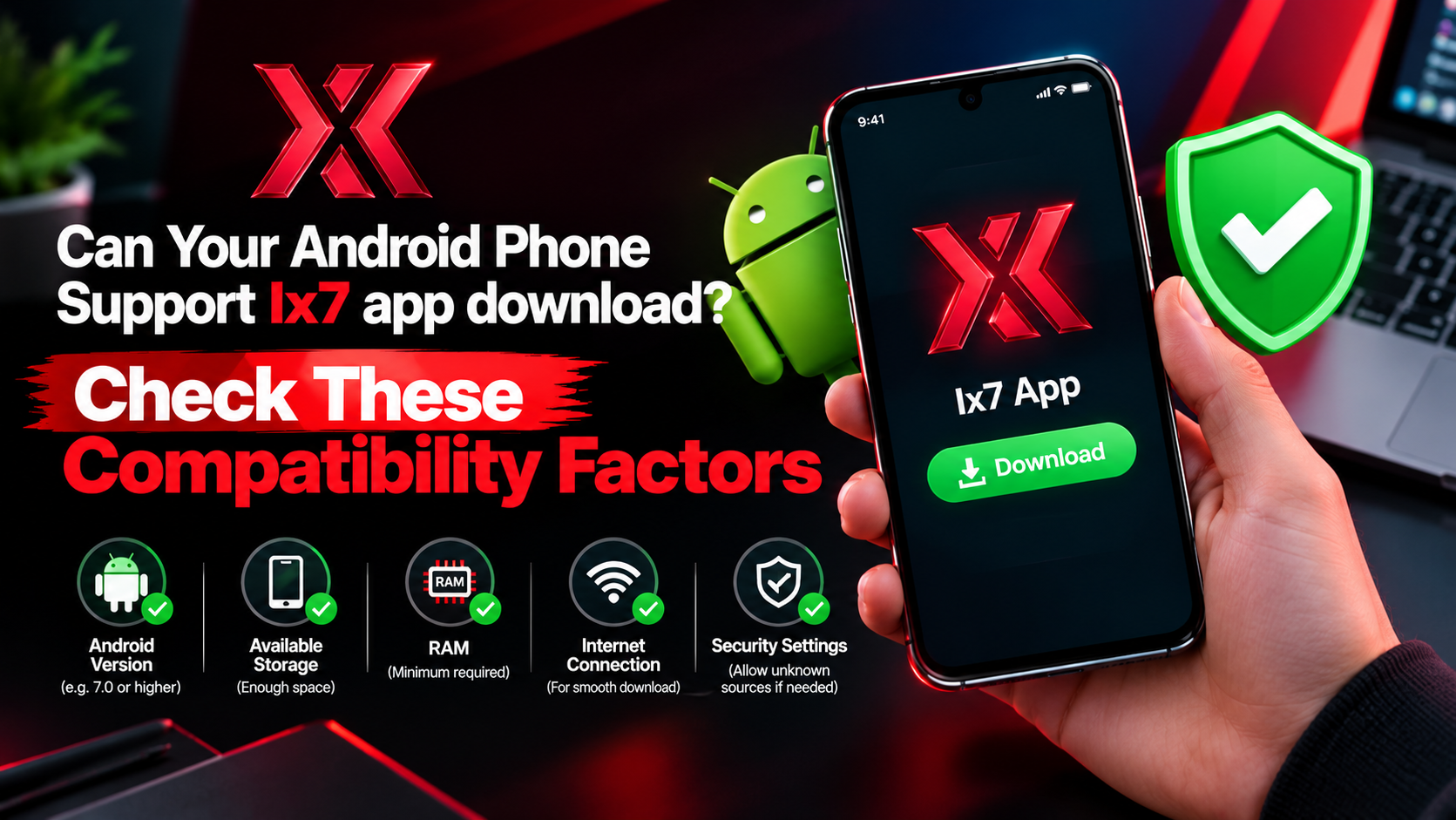
Will your Ix7 app download run well on your phone? Some phones fail with install errors. Others show a black screen or lag. Many people think every new phone can run every game. That is not true. Your Android version, RAM, storage, and chip all matter. Here is the good part – it takes just a few minutes to do everything. You don’t have to be an expert for that. This guide will point out the limits to consider, show how to compare your device, and solve any issues. Ready to check your phone? Let us make your Ix7 app download a success today.
What Operating System Limits Affect Your Ix7 app download Setup?
Android phones differ a lot. Each one has its own system version and rules. Here are the four main limits:
- 64-bit support: Modern games need a 64-bit phone. Old 32-bit phones may fail to install them.
- Android version: Old versions miss key graphics tools. You may see a parse error during the Ix7 app download.
- Brand skins: Some brands, like MIUI or ColorOS block installs to save battery.
- Play Protect: This tool may block a file it does not know. You may need to change a setting
These limits are common. They do not mean your phone is bad. They only mean you must check a things first. Open. Tap About phone. You will see your Android version there. Write it down. You will need it in the step.
Think of your phone like a car. A small car cannot carry a load. In the same way, an old phone may not run a heavy game. With the right setup, many phones run well.
How Does Your Phone Spec Compare for an Ix7 app download?
Your phone parts set the limit. Compare yours with the table below.
| Phone Part | Basic Need | Better Choice | Effect on Ix7 app download |
| Android version | Android 7.0 | Android 11 or higher | Smooth install and fewer errors |
| RAM | 3 GB | 6 GB to 8 GB | Fewer crashes and less lag |
| Free storage | 1.5 GB | 4 GB or more | Room for setup and cache |
| Graphics chip | Mali-G52 or Adreno 506 | Adreno 618 or Mali-G77 | Steady speed with less heat |
You can find these details in Settings, under About phone. A free spec app can show more. You can find these details in Settings, under About phone. A free spec app can show more. If your phone meets the requirements, it should run the app. If your phone meets the requirements, you will enjoy a smooth game. Do not worry if you are near the level. You can still get results. Lower the graphics. Close other apps. These small steps help a lot.
What Optimization Steps Guarantee a Successful Ix7 app download?
Get your phone ready before you install. Follow these steps in order.
- Check your storage. Open Settings, then Storage. Keep at least 3 GB free before your Ix7 app download.
- Allow installs. Open Security settings. Let your browser install files. Turn it off after setup.
- Free up RAM. Close chat and social apps. This gives memory to the Ix7 app download and the game.
- Check 64-bit support. Use a free information app to make sure your chip is 64-bit.
Do these steps one at a time. Wait a minute after each one. If something looks strange. Check again. Restart your phone after step three. This clears memory jams.
Use a trusted page for the file. Never take a file from a chat group. Anyone can change a file. Share it.
How Do Memory and Heat Impact Your Ix7 app download Experience?
After installation, your phone works harder. Memory and heat decide how smooth the game feels. Watch these four points:
- Heat slows the chip: Long play makes the phone hot. The chip then slows down to cool off.
- Extra memory: Some phones can use storage as extra RAM. This helps budget phones.
- Screen refresh: Match the screen rate to the game rate. This cuts tearing and saves power.
- Old cache: Piled-up cache files use memory. They can cause sudden crashes.
Take short breaks while you play. Remove thick phone cases if the phone gets hot. Do not play while it charges. A cool phone stays fast for longer.
Clear the cache every month. Go to Settings, select Apps, choose the game, and clear the cache of the game. It only takes seconds to do so.
What Hardware Troubleshooting Steps Fix Ix7 app download Failures?
Most problems have a clear cause. The table shows common signs and fixes.
| Problem | Likely Cause | Easy Fix |
| Parse error | Old Android or broken file | Update Android and download again |
| Crash at setup | Not enough storage | Clear cache and remove unused apps |
| Heavy lag | Strong graphics load | Lower graphics and use Game mode |
| Black screen | Missing graphics support | Check your phone supports Vulkan or OpenGL |
Fix one problem at a time. Test after each fix. If a fix does not help, undo it and try the next one. Keep a short note of what you tried. This helps if you ask for help later.
If nothing works, your phone may be too old. That is fine. It is better to know than to keep guessing. Ask the official support team for advice before you try again.
Conclusion and Action Steps
A good check saves time. Look at your Android version, RAM, storage, and chip. Free up space. Allow installs only when needed. Watch the heat while you play. These steps lead to a smooth setup. Your next Ix7 app download can be fast and safe.
Keep your password private and never share your codes. Take one step at a time. A calm check works better than a rushed one.
For more clear guides, tested fixes, and safe app links, explore ix7gameapkin. Visit Ix7 Game Apkin today and set up with ease.
For authentic app updates, verified installer links, and safe usage guides, visit Game APK India.
Frequently Asked Questions
1. Can a budget phone run the Ix7 app download well?
Yes, if it has 4 GB of RAM and a modern chip. Set the graphics to medium.
2. Why do I see an error during the Ix7 app download?
Low storage, a 32-bit chip, or blocked installs often cause it. Check each one.
3. How much space do I need for the Ix7 app download?
Keep at least 3 GB free. This covers setup, cache, and later updates.
4. Will an old Android version stop the app?
Yes. Versions older than Android 7.0 often lack key tools. The app may crash.
5. Does heat affect the game after installation?
Yes. Heat slows the chip and causes lag. Let your phone cool down.