
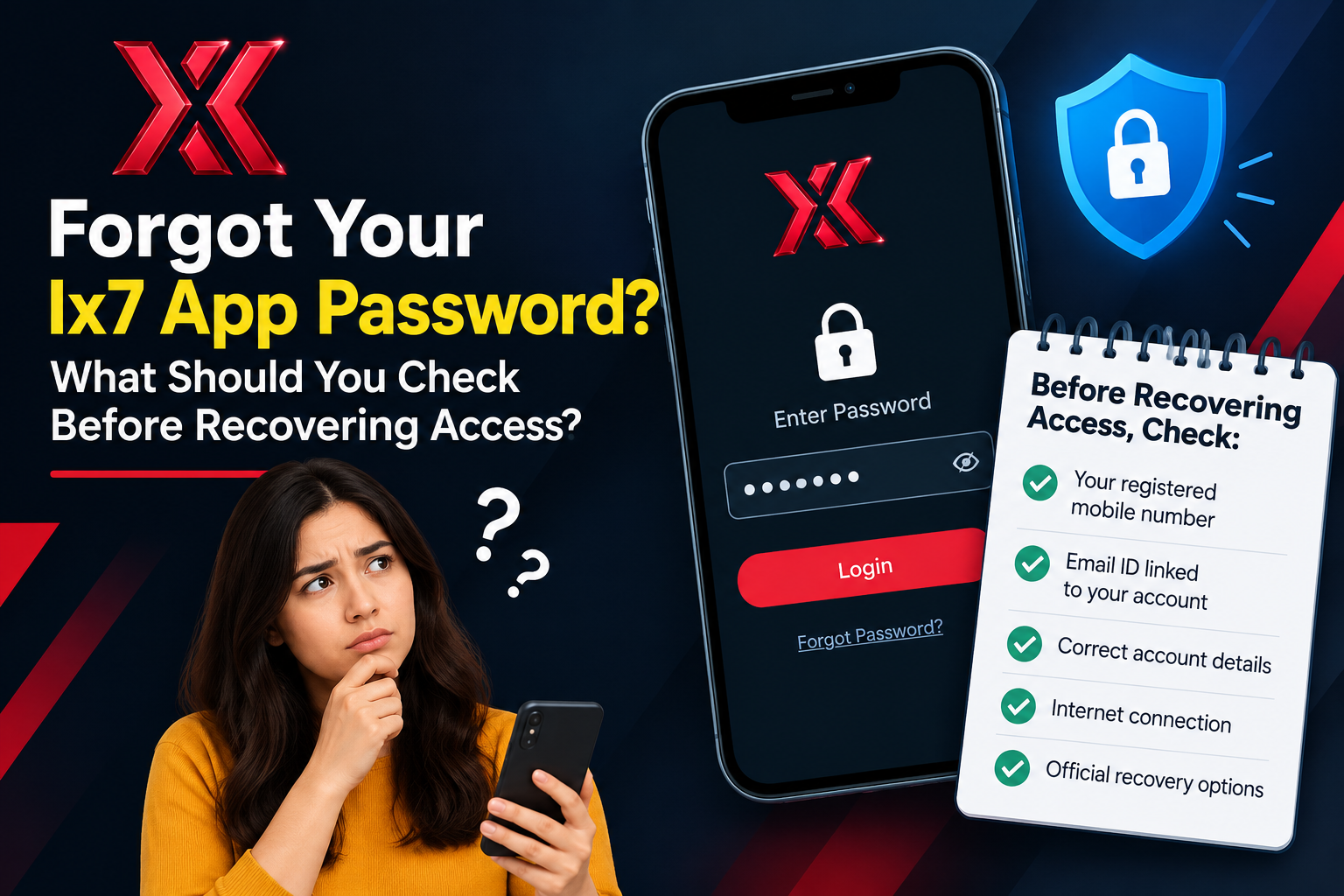
Locked out of your Ix7 app account? Maybe your password just won’t work. That’s stressful, we know. Your saved progress and rewards may be on the line. Many people tap Forgot Password right away. That can make things worse. Too many reset requests can lock you out for a while. This guide shows what to check first. It covers saved passwords, network checks, and clear recovery steps. The sentences are short and the words are plain. The recovery steps get the most detail, so you won’t get lost. Read on and get back into your account with less stress. Let’s start.
Why Do Standard Ix7 App Password Reset Requests Fail?
Know why a reset fails. Then you can fix it without a lock.
- Weak network: A slow signal delays your OTP. The code can expire before you type it.
- Old auto-fill data: Your phone may fill in an old password. You then see “invalid password” again and again.
- Rate limits: Asking for many codes in a short time can freeze your login for a while.
- Spam filters: Reset emails often land in the spam or promotions folder.
Most of these have easy fixes. You just need to check them in the right order.
What Key Checks Should You Do Before You Start Recovery?
A few quick checks can save you a full reset. Use this table.
| Check | What To Do | What You Learn |
| Saved passwords | Open Google Password Manager or iCloud Keychain | You may find the right password |
| Network signal | Check your data or Wi-Fi | You avoid OTP delays |
| Email and SMS access | Make sure you can open both inboxes | You can get codes and links |
| App cache | Clear the cache in app settings | You remove stale login data |
Do these four checks first. Many people never need to reset at all.
How Can You Recover Access to the Ix7 App Step by Step?
Follow these five steps in order. Go slow and don’t skip any. Each step has a quick check, so you know it worked.
Check your saved passwords
Open Settings. Tap Passwords and Accounts. Open Google Password Manager or iCloud Keychain. Search for the app name. Your phone may ask for your fingerprint or face scan. Then you’ll see any saved login. Try that password in the app.
Check: The saved name and password show on screen.
Clear the app cache
Open Settings and tap Apps. Find the Ix7 app. Tap Storage, then Clear Cache. Do not tap Clear Data. That can erase local files. Old login tokens can cause errors, so this step often helps.
Check: The cache shows zero.
Fix your signal
Switch on Aeroplane mode. Wait 10 seconds. Switch it off. Make sure you see full signal bars. Move closer to your router if you use Wi-Fi. Check that your SMS inbox isn’t full. Delete old texts if it is. Also look in your spam folder for blocked senders.
Check: You have a steady signal.
Ask for the reset code once
Open the app. Tap Forgot Password. Type your registered phone number or email. Tap the button one time. Then wait a full 60 seconds. Don’t tap it again and again. That can trigger a lock. Keep the app open while you wait.
Check: A note says the code was sent.
Enter the code and set a new password
Type the 6-digit code at once. Codes expire quickly. Make a new password with letters, numbers, and one symbol. Don’t reuse an old one. Save it in your password manager right away. This is the last step in your Ix7 app recovery.
Check: You see a message that access is restored.
If you see “Too Many Requests,” stop. Wait 15 to 30 minutes. Then try again once.
What Habits Help Prevent Future Lockouts?
A few habits keep your account easy to reach.
- Add backup options: Link both a phone number and an email.
- Use a password manager: Save your new login in a trusted vault.
- Avoid public Wi-Fi: Use your own mobile data or a trusted home network.
- Save your user ID: Keep a private note of your ID. Support may ask for it.
These steps take about five minutes. They can save you hours later.
How Do You Tell a Network Problem From an Account Lock?
The error message gives a clue. Match it to a fix.
| Message | Likely Cause | Best Fix |
| Invalid Credentials | Wrong or old password | Check saved passwords or reset |
| Too Many Requests | Too many reset tries | Wait 15 to 30 minutes |
| Network Timeout | Weak signal | Toggle Aeroplane mode or change network |
| No OTP arrives | Full inbox, spam block, or wrong number | Clear space and check the number |
If none of these fit, check your phone for updates. An old app version can also cause trouble.
Conclusion and Action Steps
Getting back into your account takes a calm plan. Check your saved passwords first. Clear the cache. Make sure your signal is steady. Ask for one reset code and wait. Add backup options so you don’t get locked out again. These steps can help you recover your Ix7 app account with less stress. Keep your login private. Never share your OTP. Take breaks and manage your screen time.
Want to learn more? Read guides about ix7gameapkin from sources you trust. For authentic app updates, verified installer links, and safe usage guides, visit ic7app.net.
Frequently Asked Questions
1. What if the reset OTP for my Ix7 app never comes?
Check your signal and your inbox space. Wait 60 seconds before you ask again.
2. Can I recover my account without my old phone number?
Maybe, if you linked a backup email. Otherwise, contact official support with your user ID.
3. Will clearing the cache delete my Ix7 app balance?
No. It only removes temporary files and old login tokens. Your account data stays on the server.
4. Why does it say “Account Locked” after I type my password?
Too many wrong tries can cause a lock. Wait about 30 minutes, then try once.
5. How can I save my new password safely?
Use your phone’s built-in password manager. It protects your login with a fingerprint or face scan.