
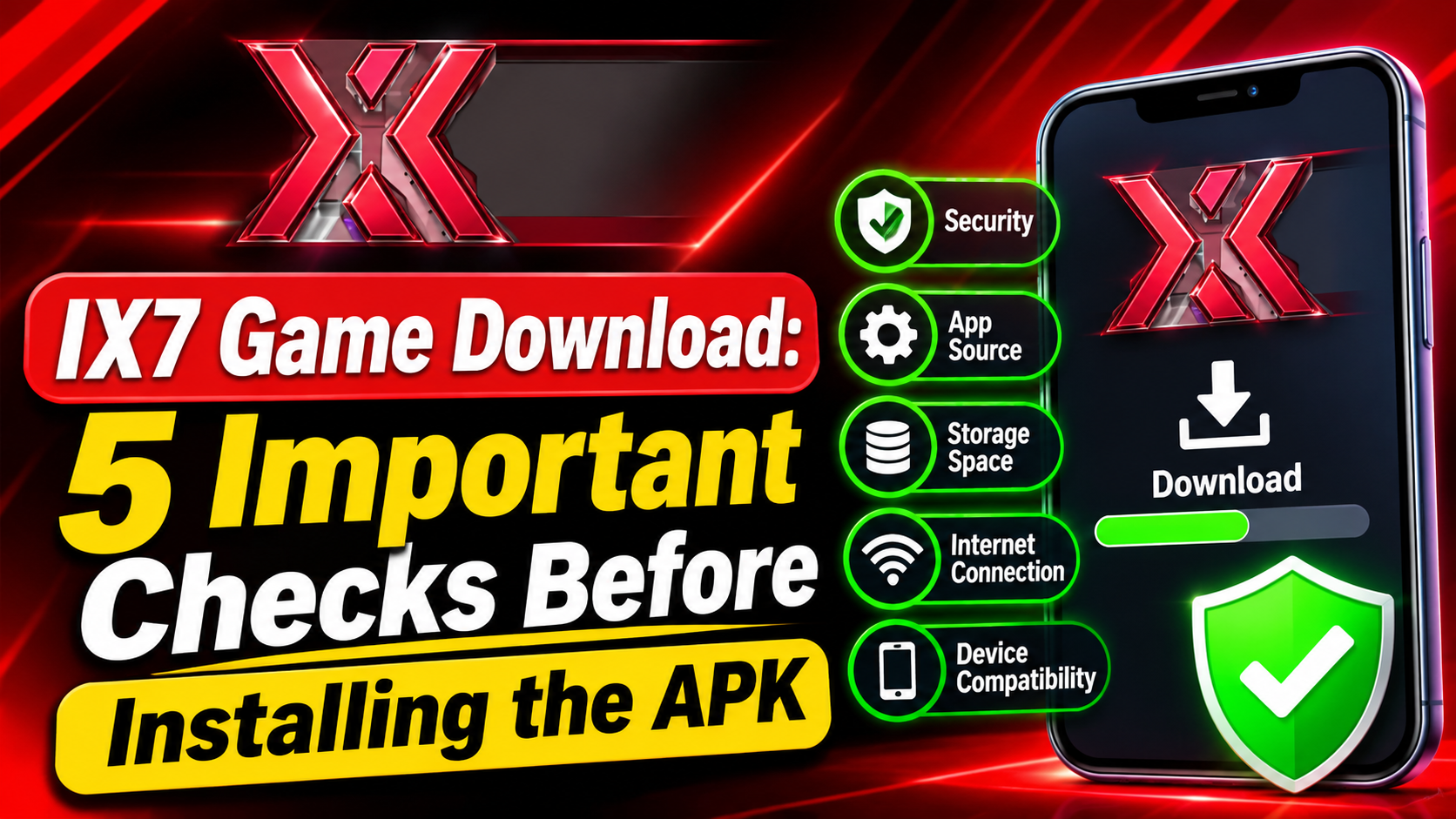
Always verify the file source, check app permissions, scan for malware, review storage space, and inspect user feedback before starting your safe IX7 game download on any Android mobile device.
Starting an Ix7 game download takes only a few minutes. Still, rushing through setup puts your personal data at risk. Smart users check every APK file first. Visit ix7gameapkin.com for direct guidance and helpful installation tips.
Why Safety Matters Before Installing Any Android APK
Installing apps from outside the official store requires extra care. Checking file details stops bad software from reaching your phone.
When you get an Ix7 game download online, your phone skips store checks. Unverified files can carry hidden bugs that slow your screen. Taking two minutes to inspect the package saves repair headaches. Honest safety habits help you play without worrying about stolen passwords.
5 Important Checks Before Your IX7 Game Download
Following a simple checklist protects your Android device during manual installations. Review these five steps before opening any new game file.
- Verify the Website Link: Check the web address bar before tapping any download button. Fake sites use tricky spellings to trick visitors. Start your Ix7 game download only from a trusted page.
- Check App File Size: Look at the total megabytes listed before saving the file. A tiny file might be a fake shortcut. Compare the size with official game details to spot strange changes.
- Review Requested Phone Permissions: Watch the pop-up screen when installing the Ix7 APK download file. A standard game needs storage access, not access to private messages or contacts. Deny weird permission requests right away.
- Scan the File With Antivirus Tools: Run a quick security scan before opening the installer. Modern Android phones include built-in tools that check new packages. This fast habit blocks harmful code from running.
- Confirm Available Device Storage: Check your phone settings for free memory space. A full storage drive causes setup errors and crashes. Keep at least two gigabytes free for smooth updates.
Quick Safety Comparison Table for APK Files
Comparing safe file traits against risky warning signs helps you decide fast. Use this table to spot trusted downloads.
| Check Factor | Safe APK File | Risky APK File |
| Website Link | Clean HTTPS address with clear info | Broken links with too many pop-up ads |
| File Size | Matches expected game storage size | Tiny file under two megabytes |
| Permissions | Asks only for basic media and network | Demands access to contacts and SMS |
| App Version | Shows recent update date and build | Lists old dates or missing version tags |
Device Settings Needed for Smooth App Setup
Adjusting basic settings on your Android phone prepares your system for manual setups. Proper preparation prevents error messages while unpacking files.
Before starting an Ix7 app download, open phone settings and find the security tab. Android blocks outside apps by default. Allow installation permission for your chosen browser first.
- Open Android settings and tap the Apps or Security menu.
- Select special app access to view unknown sources.
- Enable installation permission only for your current browser.
- Turn this setting off after your Ix7 game download finishes.
Common Mistakes Players Make During Manual Downloads
The quick Ix7 game download process results in corrupted files and installation problems. To avoid these easy errors, keep your phone working properly.
Bright banner ads are often clicked by people rather than actual links. Fake buttons waste mobile data and add junk files. Carefully read this text before downloading an Ix7 game.
- Flashy ad clicks for instant bonuses.
- Old version of an application not working properly for connecting.
- Overlooking low battery warning during unloading big file.
- Network check skipped during switching from data to wifi.
How to Keep Your Gaming Account Safe After Setup
Protecting players’ data is just as important as verifying documents. Security of account protects people from their own harms.
After Ix7 game download, create an account using a strong password containing both letters and digits. Do not share passwords in a chat room. A unique password secures your Ix7 application against hackers.
- Choose an unshared password from among all sites available to you.
- Maintain an up-to-date contact information of yours to be able to recover it if needed.
- Turn off your computer when you’re done using it on a shared tablet or someone else’s device.
- Upgrade your Ix7 APK for security updates.
Important Information About the Ix7 Game
Knowledge about reading policy documents and privacy agreements is necessary to know what this software does. Rules are good for establishing trustworthiness between clients and site managers.
To download an Ix7 game from our website, you should review its terms of use and privacy policy beforehand. The article states that users may be able to find out about us through this site, where they will also learn more about protecting their privacy. Additionally, you can read more about our complete disclaimer and frequently asked questions regarding external websites here.
Final Thoughts
Check file security for your Android phone to protect it from viruses. Check website link validity the first time of installation by verifying it is authorized to do so. Smart steps make it simple and secure to download Ix7 games.
Safety matters when Ix7 game download, an Ix7 APK file quickly, or a clean Ix7 application. Check your Ix7 game APK, install it properly on the Ix7 app or Ix7 APK, and complete registration and login to play Ix7 games without any hassle.
For additional official guides and alternative access, you can also visit ic7app to explore verified updates safely.
Disclaimer: This guide is for educational purposes only. We do not own, develop, or host any third-party games. Users must follow local laws and check file security before installing software.
Frequently Asked Questions
1. Is the IX7 game download safe for Android phones
Yes, an Ix7 game download is safe when downloaded from a verified source and scanned first. Always check permissions before tapping install.
2. How much storage space does the IX7 game need
Most mobile game packages need around one to two gigabytes of free space. Keeping extra room helps your phone run updates smoothly.
3. Why does my phone block the APK installation
Android blocks outside files by default to protect your device. Enable browser install access in settings and turn it off later.
4. Can I update this application through manual installation?
Yes, download the latest version and install it on top of your existing application. Saved game progress is secure while updating properly.
5. What to do when an IX7 game download fails?
Verify your internet connection and clear browser cache before attempting to download an IX7 game again. Ensure that you have enough room on your device for saving files.